- Your cart is empty
- Continue Shopping


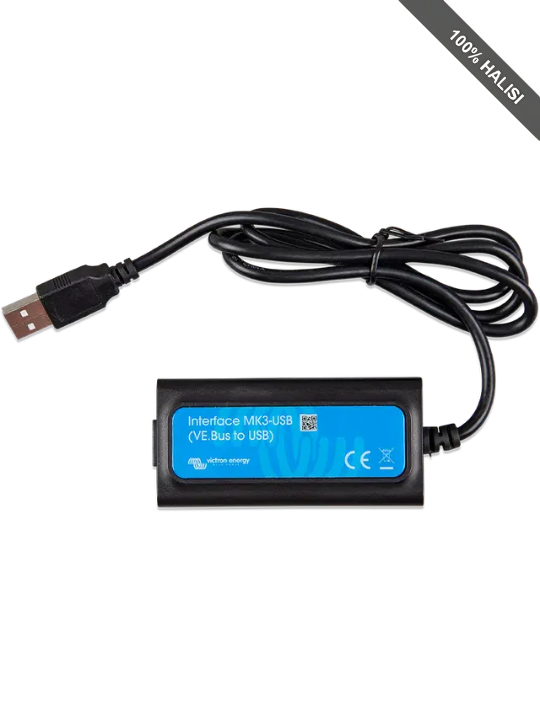
Victron Energy Interface MK3-USB
Victron Energy Interface MK3-USB
Victron Energy Interface MK3-USB
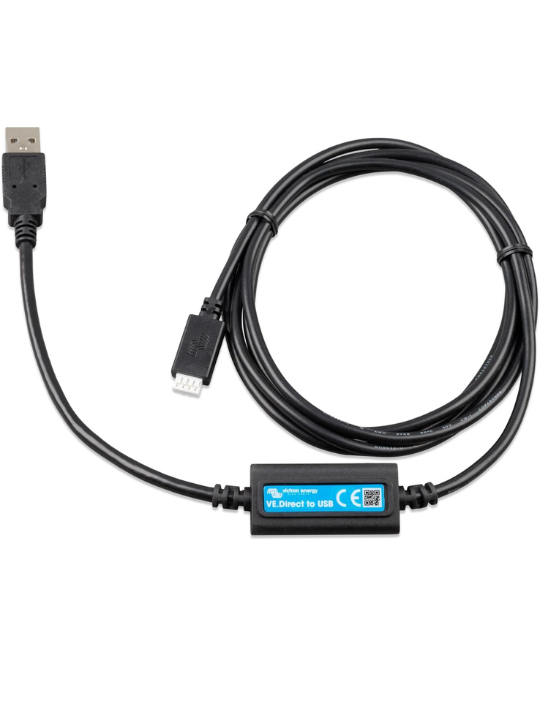
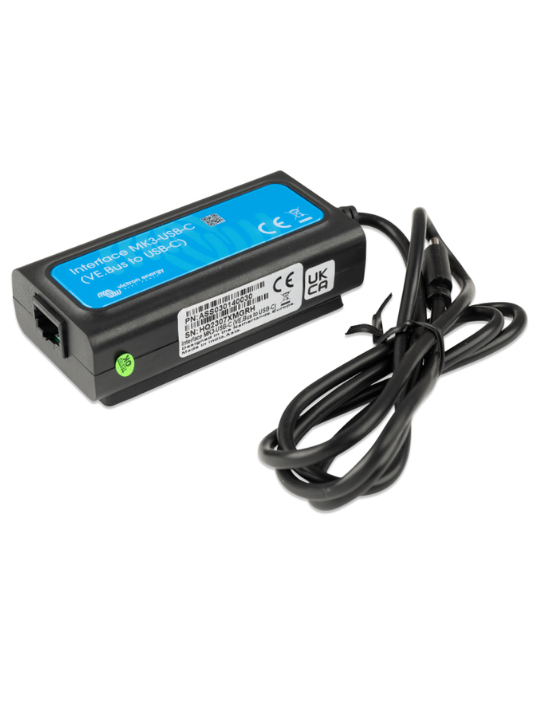
- Connects Victron VE.Bus products to a computer via USB
- Enables full system configuration using VictronConnect or VE.Configure
- Supports firmware updates for MultiPlus, Quattro, EasySolar & more
- Compact, portable, and easy to use during installation or servicing
- Essential for troubleshooting and optimizing inverter/charger systems
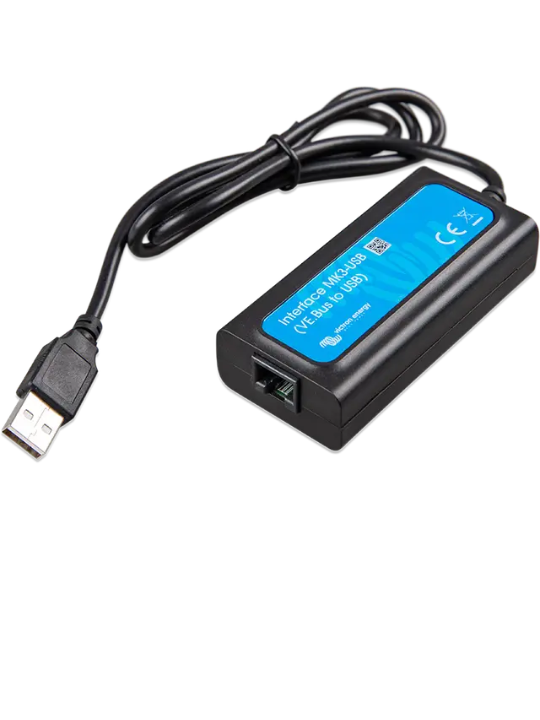
The Victron Energy Interface MK3-USB is a compact and essential communication accessory designed to bridge Victron Energy’s VE.Bus-enabled inverter/charger products with a computer for configuration, monitoring, and firmware updates. It acts as a VE.Bus to USB interface, enabling direct connection between Victron products and Windows, macOS, or Linux computers to fine-tune system settings and keep software up to date.
Features & Benefits
- Full Configuration Access : Connects VE.Bus-enabled Victron products to a computer for precise configuration using VictronConnect or VE.Configure.
- Firmware Updates : Easily update firmware on Multi, MultiPlus, Quattro, EasySolar, EasyPlus, and other VE.Bus inverters to ensure latest features and stability.
- Broad Compatibility : Works with a wide range of VE.Bus devices including Multi, MultiGrid, MultiPlus-II, Quattro, VE.Bus BMS V2, ECOmulti, EasySolar, EasyPlus, and more.
- Software Flexibility : Supports Windows, macOS, and Linux via VictronConnect, VE.Configure, and VEFlash software for setup, diagnostics, and maintenance.
- Plug-and-Play Interface : Simple RJ45-to-USB connection, lightweight and compact design, easy to carry and use on-site.
- Professional Installer Friendly : Enables quick setup, troubleshooting, and optimization of complex inverter systems, including multi-phase and parallel installations.
- Time-Saving Tool : Reduces service and commissioning time by allowing direct computer access to device settings instead of manual adjustments.
- Portable & Reliable : Compact dongle-style interface designed for easy transport and consistent communication with VE.Bus devices.
Use Cases
- Solar System Commissioning : Installers use the MK3-USB to configure new Multi, MultiPlus, Quattro, or EasySolar systems during setup.
- Firmware Updating on Inverters/Chargers : Technicians update device firmware to improve performance, add new features, or fix bugs.
- Troubleshooting VE.Bus Systems : Enables diagnostic access to identify inverter/charger faults, incorrect settings, or wiring issues.
- Configuring Grid-Interactive Systems : Used to set grid parameters, voltage thresholds, and AC input limits for installations connected to the Tanzanian grid.
- Optimizing Off-Grid Installations : Adjusts charging profiles, generator assist settings, and inverter behavior for homes and remote sites.
- Managing Multi-Unit Installations : Essential for configuring parallel, split-phase, or three-phase inverter setups.
- Customizing User Settings : Allows fine-tuning of battery charging, inverter modes, shore/generator limits, and power-assist behavior.
- Service & Maintenance Visits : Technicians use it during routine system checks for parameter review, recalibration, and performance improvements.
Value Propositions
- Enables Complete System Control : Gives installers and technicians full access to hidden and advanced VE.Bus inverter settings not available through basic interfaces.
- Improves System Performance : Allows precise tuning of charging, inverter behavior, and grid/generator parameters for maximum efficiency and reliability.
- Reduces Installation & Service Time : Speeds up configuration, diagnostics, and updates, lowering labor costs for solar professionals.
- Future-Proofs Victron Systems : Supports easy firmware updates, ensuring devices stay compatible with new features and technological improvements.
- Essential Tool for Professionals : A must-have accessory for solar installers, technicians, and integrators working with Victron’s inverter ecosystem.
- Minimizes Downtime : Quick problem diagnosis and configuration adjustments help restore inverter systems faster in homes and businesses.
- Works Across the Victron Ecosystem : One tool supports a wide range of products—MultiPlus, Quattro, EasySolar, VE.Bus BMS V2, and more—adding long-term value.
- Highly Portable & Reliable : Compact, robust design makes it easy to carry to job sites and ensures stable communication during configuration tasks.
Local Market Positioning in Tanzania
- Vital Tool for Solar Installers : Supports Tanzania’s growing solar installation industry by enabling professional setup and tuning of Victron inverter systems.
- Supports Hybrid & Off-Grid Growth : Valuable in off-grid and hybrid energy systems common in rural and peri-urban Tanzanian regions.
- Enhances Dealer Service Offerings : Solar equipment dealers can offer configuration and firmware update services using this tool, adding value beyond product sales.
- Ideal for Telecom & Commercial Applications : Useful for on-site configuration and maintenance of backup power systems at telecom towers, clinics, and businesses.
- Empowers Local Technicians : Helps build local capacity for system diagnostics, maintenance, and optimization without needing remote support.
- Reduces Dependence on External Experts : Enables Tanzanian solar companies to manage advanced inverter setups in-house, improving turnaround times.
- Boosts System Performance in Challenging Grid Conditions : Allows system tuning that matches local grid fluctuations and load patterns common in Tanzania.
- Compatible with Widely Used Victron Products : Perfect fit for the popular Multi, Quattro, EasySolar, and other VE.Bus systems used across residential and commercial installations.
Technical Specification
| Specification | Details |
|---|---|
| Interface Type | VE.Bus (RJ45) ↔ USB (USB-A or USB-C variant) |
| Connection to Device | RJ45 VE.Bus port on Victron inverter/charger |
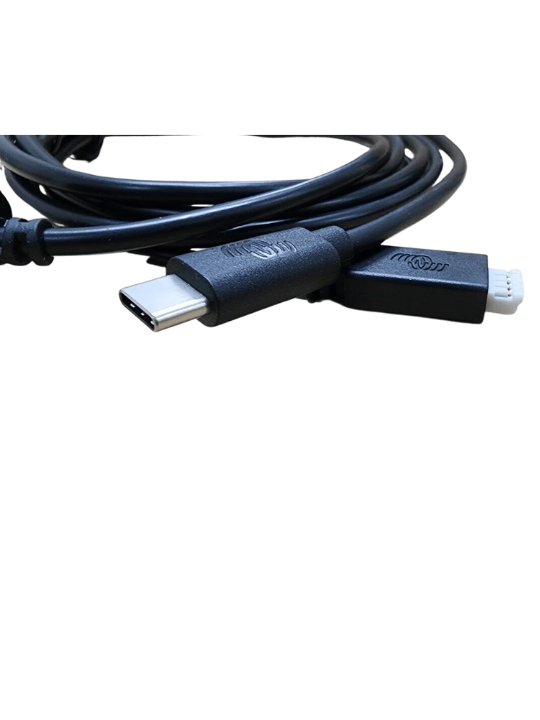
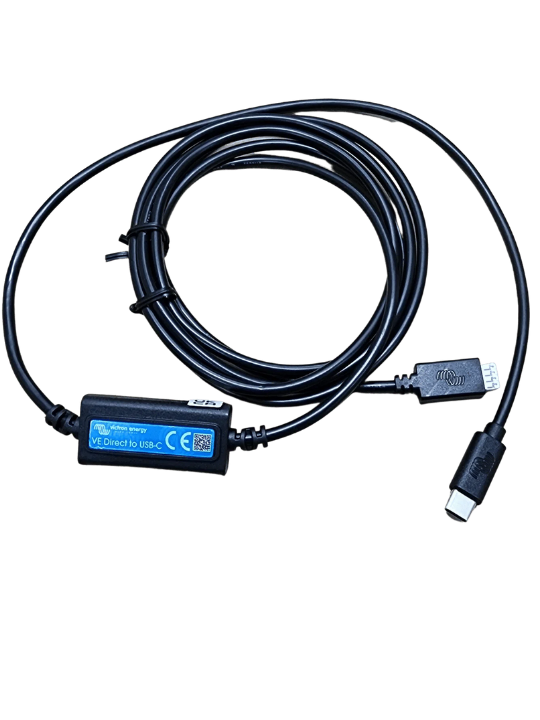
| Connection to Computer | USB-A or USB-C (depending on model) |
| Compatible Devices | Multi, MultiGrid, MultiPlus, MultiPlus-II, Quattro, ECOmulti, EasySolar, EasyPlus, VE.Bus BMS V2, and VE.Bus-equipped inverters/chargers |
| Supported Operating Systems | Windows, macOS, Android (with OTG adapter) — not supported on iOS |
| Software Support | VictronConnect, VE.Configure, VEFlash (for firmware updates and configuration) |
| Cable Requirement | Separate RJ45 UTP (Ethernet) cable required (not always included) |
| Communication Protocol | VE.Bus serial communication |
| Power Source | Powered directly from the connected Victron device — no external PSU needed |
| Plug-and-Play | Yes — automatic detection on supported OS |
| Typical Cable Length | ~1.5–1.8 m (varies by supplier) |

Save More
Keep more of your money.With our efficient online operation our savings become your savings

Free Same Day Delivery
Spend over 100,000/- with us and qualify for free delivery in Dar Es Salaam. Standard delivery is just 5,000/-*

100% Warranty Goods
Unlike other online retailers we chose our suppliers carefully ensuring genuine goods backed by genuine warranties

7 Day Return
Something faulty with your product? No problem. We will arrange for an easy pick up and refund of your order within 7 days*.
Shop with complete peace of mind.
*Only available for products delivered in Dar es Salaam
Related products
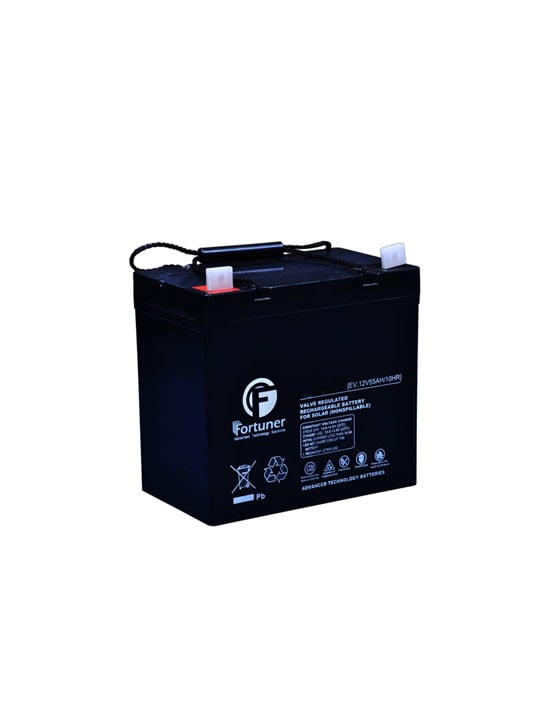
Fortuner Deep Cycle Solar Battery, 12V/50Ah AGM, Maintenance-Free – FR12-50D
Original price was: Tsh 290,000.Tsh 270,000Current price is: Tsh 270,000.

EVI Power 12.8V 100Ah LiFePO4 Battery with Smart BMS | 1.28kWh Lithium Iron Phosphate Solar Battery | IP65 Rated
Original price was: Tsh 820,000.Tsh 780,000Current price is: Tsh 780,000.

EVI Power 51.2V 100Ah LiFePO4 Rack Mounted Battery Pack with LCD Display – 10.24kWh Capacity, 80% DOD 7000+ Cycles, 5-Year Warranty – EVIA100LFP-51.2
Original price was: Tsh 2,900,000.Tsh 2,760,000Current price is: Tsh 2,760,000.
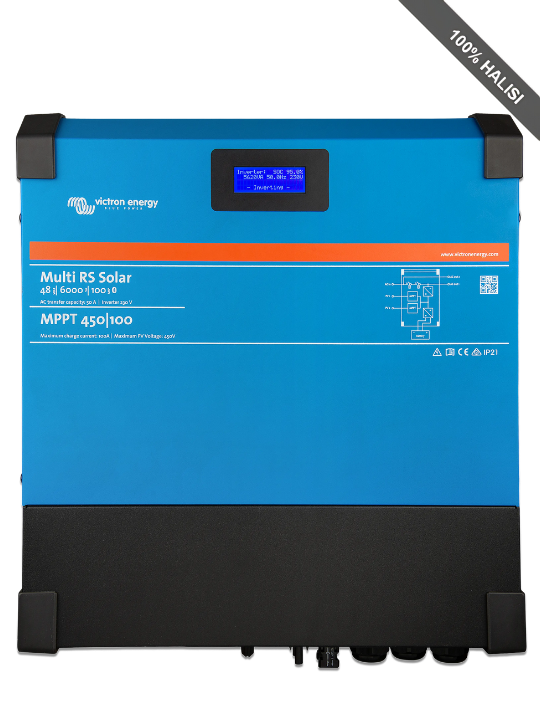
Victron Energy Multi RS Solar 6000VA Inverter/Charger 10-VIC-0408
Original price was: Tsh 6,900,000.Tsh 6,240,450Current price is: Tsh 6,240,450.

JA Solar 1500V Bifacial Solar Panel, 575W N-Type Double Glass, Silver Frame – JAM66D42-575/MB
Original price was: Tsh 270,000.Tsh 250,000Current price is: Tsh 250,000.

EVI Power 51.2V 100Ah LiFePO4 Wall Mounted Battery Pack with LCD Display – 5.12kWh Capacity, 80% DOD 6000+ Cycles, 5-Year Warranty (EVIA100LFP-51.2W)
Original price was: Tsh 4,830,000.Tsh 4,600,000Current price is: Tsh 4,600,000.

EVI Power 400W High-Power Solar Street Light No Sensor- 4620lm Brightness, 35AH Battery & 46W Solar Panel
Original price was: Tsh 350,000.Tsh 330,000Current price is: Tsh 330,000.

EVI Power 3.6kW Smart Hybrid Solar Inverter 24V, MPPT Charger, WiFi – EVI-SM3600-24
Original price was: Tsh 2,000,000.Tsh 1,880,000Current price is: Tsh 1,880,000.